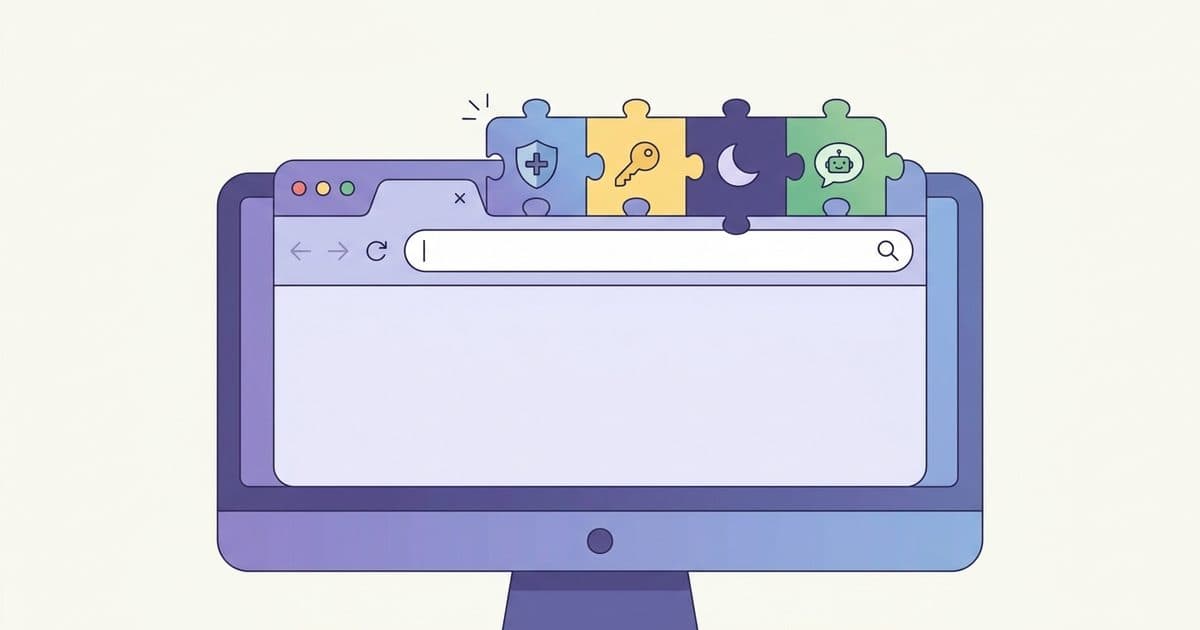
What is a Userscript?
A userscript is a small JavaScript program that runs in your browser and customizes how a specific website looks or behaves. Here's how they work.

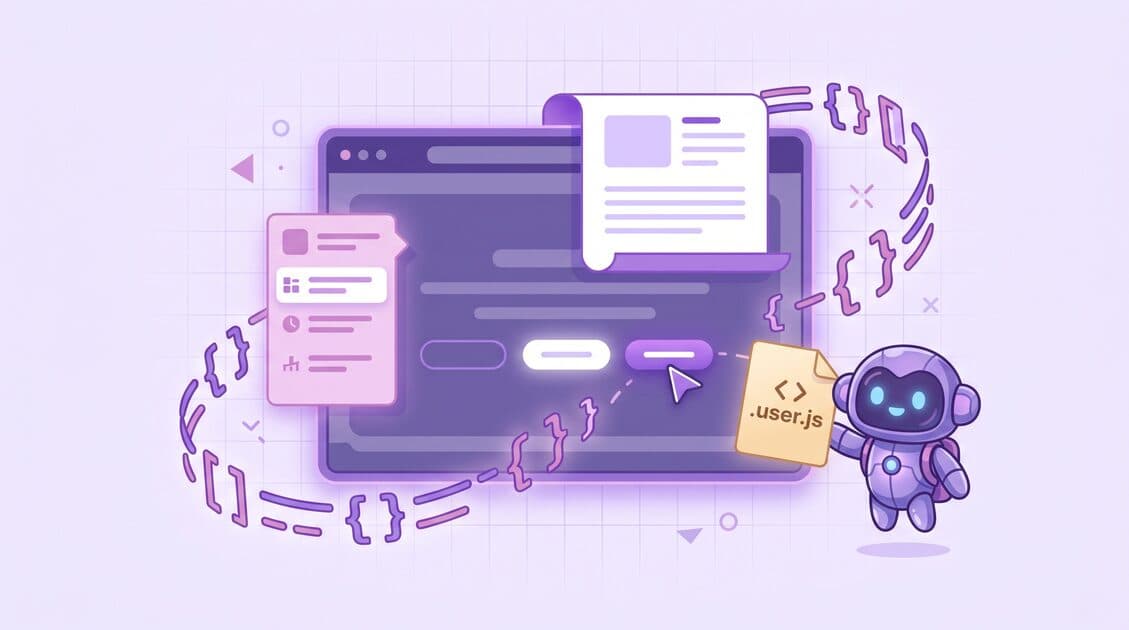
A userscript is a small JavaScript program that runs inside your
browser and changes how a specific website looks or behaves. You
install a userscript manager (Tampermonkey or Violentmonkey are the
popular ones), and it injects your .user.js files into the pages
you've told it to target.
If you've ever thought "I wish this site just had a dark mode," or "why is this button so hard to find," a userscript is usually the fastest way to fix it. You don't need to wait for the site owner to ship the change. You write it once, install it, and it runs every time you open that page.
How do userscripts work?
A userscript is a single file, usually named something like
my-thing.user.js. The file starts with a short header that tells
the manager where and when to run the script. The manager sits in
your browser, watches every page load, checks the header of every
installed script, and injects the ones that match.
Here's the smallest useful example:
1// ==UserScript==
2// @name         Hello world
3// @namespace    https://robomonkey.io
4// @version      1.0.0
5// @description  Logs a greeting on every page
6// @match        https://*/*
7// @run-at       document-idle
8// ==/UserScript==
9
10(function () {
11  'use strict';
12  console.log('Hello from a userscript!');
13})();
The block between // ==UserScript== and // ==/UserScript== is the
metadata block. The manager reads it before running anything.
These are the fields you'll see most often:
| Field | What it does |
|---|---|
@name | Human-readable name shown in the manager. |
@match | URL patterns the script runs on. Multiple allowed. |
@run-at | When to inject. One of document-start, document-end, document-idle. |
@grant | Which privileged APIs the script may call (GM_setValue, GM_xmlhttpRequest, and so on). |
@version | Version string. Managers use it to detect updates. |
@require | External scripts to load before yours (for example, jQuery). |
@updateURL / @downloadURL | URLs the manager checks for new versions. |
The metadata block is standardized across the major managers. If you want the full list of fields, Tampermonkey's metadata docs and Violentmonkey's API reference are the ones to read.
What can userscripts actually do?
A userscript has the same access to the page as the page's own JavaScript. In practice, that means it can:
- Rearrange or hide UI. Remove promoted posts, collapse sidebars, pin a toolbar.
- Add new UI. Inject buttons, dialogs, download links, keyboard shortcuts.
- Automate clicks and form fills. Skip confirmation modals, restore hidden settings.
- Scrape and export. Grab a table and copy it to the clipboard as CSV.
- Talk to external APIs. Through
GM_xmlhttpRequest, userscripts can reach cross-origin endpoints that normal page JavaScript can't. - Persist data.
GM_setValueandGM_getValuegive you a tiny, script-scoped key/value store that survives reloads.
What they can't do: change the browser chrome (the URL bar, the back button), open other tabs without a user gesture, or reach anything outside the page. That's the job of a full browser extension.
How do I install a userscript?
- Install a manager. The three popular ones:
- Tampermonkey. Works in Chrome, Firefox, Edge, Safari, and Opera.
- Violentmonkey. Open source, same browsers.
- Greasemonkey. Firefox only. It's the original, and the whole ecosystem is named after it.
- Open a
.user.jsURL. The manager intercepts it, shows you the script's header and source code, and asks you to confirm. - Visit a page the script matches. The manager injects it. Any UI it adds shows up right away.
Public registries like Greasyfork and OpenUserJS host tens of thousands of community-written userscripts.
Userscripts vs. browser extensions
They look similar from the outside. Both change how websites behave. But they sit at different layers.
| Userscripts | Browser extensions | |
|---|---|---|
| Unit of distribution | A single .user.js file | A packaged .zip or store listing |
| Install friction | Click a link, confirm | Accept permissions, install from store |
| Review process | Trust the source or read the code | Store review (Chrome Web Store, AMO) |
| Scope | Page-level JS plus a small GM_* API | Background workers, content scripts, browser UI, native messaging |
| Authoring time | Minutes | Hours to days |
| Updates | Manager polls @updateURL | Store-driven |
If your change fits inside a page, a userscript is almost always the faster, lighter path. If you need your own extension icon, a popup, persistent background logic, or access to downloads and tabs APIs, you've outgrown userscripts and you want a real extension.
How do I write my own userscript?
- Open your manager's dashboard and click "Create a new script."
- Fill in
@name,@match, and@grantin the header. - Write plain JavaScript.
document.querySelectorand friends are all available. The page's DOM is yours. - Save. The manager injects the new version on your next page load.
Here's a practical example. This one hides every "Sponsored" post on a site:
1// ==UserScript==
2// @name         Hide sponsored posts
3// @match        https://example.com/*
4// @run-at       document-idle
5// ==/UserScript==
6
7(function () {
8  'use strict';
9
10  const hide = () => {
11    document
12      .querySelectorAll('[data-testid="sponsored"]')
13      .forEach((el) => el.closest('article')?.remove());
14  };
15
16  hide();
17  new MutationObserver(hide).observe(document.body, {
18    childList: true,
19    subtree: true,
20  });
21})();
Once you know the metadata block, the MDN docs on DOM manipulation are the best general reference for everything inside the script body.
Are userscripts safe?
A userscript runs with the same access as the page it's injected into. It can read the DOM, read the cookies the page can read, and send network requests. That's the point, and it's also the risk.
A few rules of thumb:
- Only install from sources you trust. A malicious userscript on a banking site can, in principle, read what you type.
- Read the header. The
@matchline tells you where it runs.@granttells you which privileged APIs it uses.@grant noneis the safest option. A pile ofGM_*grants means the script can persist data or make cross-origin requests. - Skim the code. Userscripts are small. Most are under 200
lines. If you see
eval, remote code loaded at runtime, or an obfuscated URL, skip it. - Prefer open registries. Greasyfork rejects obfuscated scripts and shows the full source in the browser before you install.
Where Robomonkey fits
Writing a userscript by hand is fast, but describing one in plain
English is faster. Robomonkey is an AI
agent that writes, edits, and updates userscripts for you. You
tell it what you want the site to do, and it ships a working
.user.js you can install in the same managers you already use.
If you've never written a userscript before, it's a 60-second way to try your first one.
Frequently asked questions
What is a userscript?
A userscript is a small JavaScript file, usually named
something.user.js, that runs inside your browser and modifies
specific websites. A userscript manager (Tampermonkey,
Violentmonkey, Greasemonkey) injects it into pages that match
the URLs in its header.
Are userscripts safe? They run with the same privileges as the page, so only install from sources you trust and read the header before confirming an install.
What's the difference between a userscript and a browser extension? A userscript is a single JavaScript file. A browser extension is a packaged bundle with background workers, a store listing, and richer APIs. Userscripts are faster to write and share. Extensions can do more.
How do I install a userscript?
Install Tampermonkey or Violentmonkey, then open any .user.js
URL. The manager handles the rest.
Do userscripts still work in 2026? Yes. They're fully supported across every major browser through active managers and public registries like Greasyfork.