Blooket Hacks: What Works, What's Safe, and What to Avoid
Blooket hacks range from harmless answer highlighters to dangerous malware. Learn which scripts are safe, how to spot risky ones, and what Blooket's rules actually say about third-party tools.

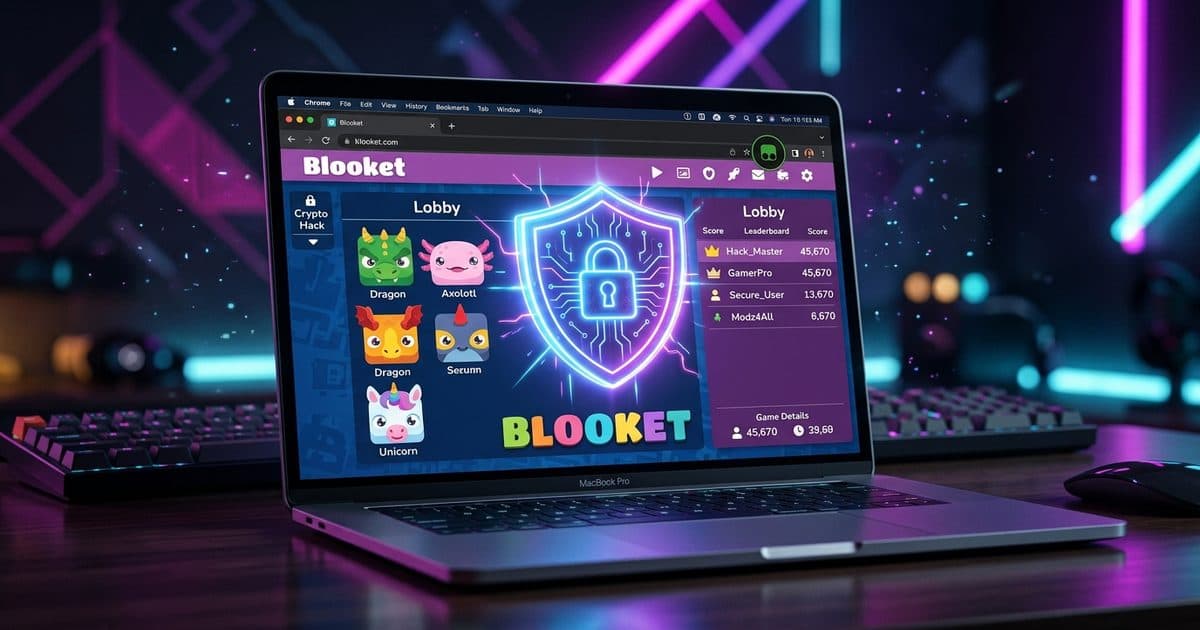
"Blooket hacks" is one of the most searched terms in student gaming. The reality is messy: some scripts are harmless study aids, others are malware disguised as cheat tools, and Blooket's own rules are clear that most third-party modifications violate their Terms of Service.
This guide covers what's actually out there, what's safe, what's dangerous, and what Blooket says about all of it.
What are Blooket hacks?
Blooket hacks are JavaScript userscripts that modify how Blooket works in your browser. You install them through a script manager like Tampermonkey, and they activate automatically when you visit blooket.com.
There are two broad categories:
Practice-focused scripts that help you study. These might highlight correct answers during solo practice, track which questions you miss, or adjust game settings for better study flow.
Competitive cheats that give you an unfair edge in live games. These auto-answer questions, flood lobbies with bots, or manipulate game outcomes against other players.
The difference matters. One helps you learn. The other breaks the game for everyone else and can get your account banned.
The real risks of Blooket hacks
This is the part most guides skip. The biggest danger isn't getting caught by your teacher. It's malware.
A 2024 threat-intelligence report from Axis Intelligence logged more than 15,000 malware infections and an estimated $2.8 million in damages traced to educational-gaming hack searches. The payloads included credential harvesters, browser hijackers, keyloggers, and ransomware. Source: Plisio Blooket Review 2026.
Many "Blooket hack" sites exist solely to distribute malware. They ask you to paste code into your browser console, download executables, or enter your Blooket credentials for "unlimited tokens." All three are red flags.
Specific dangers to watch for
- Credential harvesting. Sites that ask for your Blooket username and password to "generate tokens" are phishing attacks. Blooket will never ask for your password through a third-party site.
- Console paste scams. Copy-pasting unknown JavaScript into your browser console gives that code full access to your current session, cookies, and any data on the page.
- Obfuscated scripts. If you can't read the source code, you can't know what it does. Obfuscated or minified scripts with no readable version are a hard pass.
- Bot flooding tools. Scripts that add fake players to live games disrupt classrooms and can get the host's account restricted.
What does Blooket say about hacks?
Blooket's Terms of Service are explicit. You agree not to:
- Modify, disassemble, decompile, or reverse engineer the service
- Use the service in a way that abuses, interferes with, or disrupts Blooket's networks or accounts
- Engage in activity that is fraudulent, false, or misleading
Violations can result in account suspension or permanent bans. In school-managed environments, Blooket may report violations to school administrators.
Blooket has also hardened its defenses. Tokens, XP, and blook ownership are stored server-side, meaning client-side cheats that try to modify these values get rejected. Source: Plisio Blooket Review 2026.
Safe Blooket scripts: what to look for
If you choose to use scripts, stick to ones designed for practice and self-study. Here's a checklist:
| Green flags | Red flags |
|---|---|
| Source code is readable and under 200 lines | Code is obfuscated or minified |
Uses @grant none (no special permissions) | Requires GM_xmlhttpRequest (network access) |
| Works in practice/solo mode only | Auto-answers in live competitive games |
| Clear description of what it does | Vague claims like "best GUI" or "unlimited tokens" |
| Recent updates (within last few months) | Last updated over a year ago |
| High install count and positive reviews on Greasyfork | Hosted on random GitHub repos with no reviews |
| Author is identifiable and responsive | Anonymous author with no profile |
How to evaluate a script before installing
- Read the source code. On Greasyfork, click the "Code" tab. If you can't understand it, don't install it.
- Check permissions. Look for
@grantlines in the header.@grant noneis safest.GM_xmlhttpRequestmeans the script can make network requests to external servers. - Check the match patterns.
@matchlines tell you which URLs the script runs on. A Blooket highlighter should only match*://*.blooket.com/*. - Look at the update history. Scripts that haven't been updated since Blooket changed its site probably don't work anymore.
- Read the reviews. Other users flag malicious scripts quickly.
How to install a Blooket userscript
The easiest way to get Blooket scripts is through Robomonkey. It handles script management, installation, and updates without needing a separate script manager.
- Go to robomonkey.io and install the browser extension.
- Search for Blooket scripts in the Robomonkey directory.
- Click "Install" on any script you want. It activates automatically when you visit Blooket.
- Manage your scripts from the Robomonkey dashboard. Enable, disable, or remove any script at any time.
Robomonkey vets every script in its directory. You won't find obfuscated code, credential harvesters, or malware on the platform. If a script doesn't meet safety standards, it doesn't get listed.
Blooket scripts available on Robomonkey
Robomonkey hosts several Blooket userscripts. Here are the main categories:
Install any of these directly from Robomonkey.
Legitimate ways to improve at Blooket (no hacks needed)
Before reaching for scripts, try Blooket's built-in study features:
- Solo mode lets you practice at your own pace without competition pressure.
- Custom question sets let you focus on the topics you struggle with.
- Blooket's analytics track which questions you miss most often.
- Homework mode lets you complete assigned sets on your own schedule.
These features are designed specifically for learning and require zero technical setup. They're also compliant with your teacher's rules and Blooket's Terms of Service.
What to do if you installed a bad script
If you accidentally installed a suspicious Blooket script:
- Disable it immediately in the Robomonkey dashboard.
- Change your Blooket password if the script had any network access or if you entered credentials on a third-party site.
- Check for other suspicious extensions in your browser's extension manager.
- Run a malware scan if you downloaded any executables or pasted code into your console.
Frequently asked questions
Are Blooket hacks safe? Most are not. A 2024 Axis Intelligence report linked over 15,000 malware infections to searches for Blooket hacks. Safe scripts exist, like answer highlighters for practice mode, but anything asking for your password or running obfuscated code is a security risk.
Can Blooket detect userscripts? Blooket stores tokens, XP, and blook ownership server-side, so client-side cheats that try to modify these values get rejected. Blooket can also flag unusual behavior patterns through server-side monitoring.
Do Blooket hacks get you banned? Yes. Blooket's Terms of Service prohibit modifying, disassembling, or disrupting the service. Account bans are possible, and in school-managed environments, violations may be reported to administrators.
How do I install Blooket userscripts safely? Install Robomonkey and browse the Blooket scripts in the directory. Every script is vetted for safety, with readable source code and no hidden payloads. You can also check Greasyfork for additional scripts, but always read the code before installing from any source.
What's the difference between safe and unsafe Blooket scripts? Safe scripts are transparent (readable code under 200 lines), use minimal permissions like @grant none, and focus on practice mode. Unsafe scripts use obfuscated code, request network access via GM_xmlhttpRequest, or auto-answer in live competitive games.